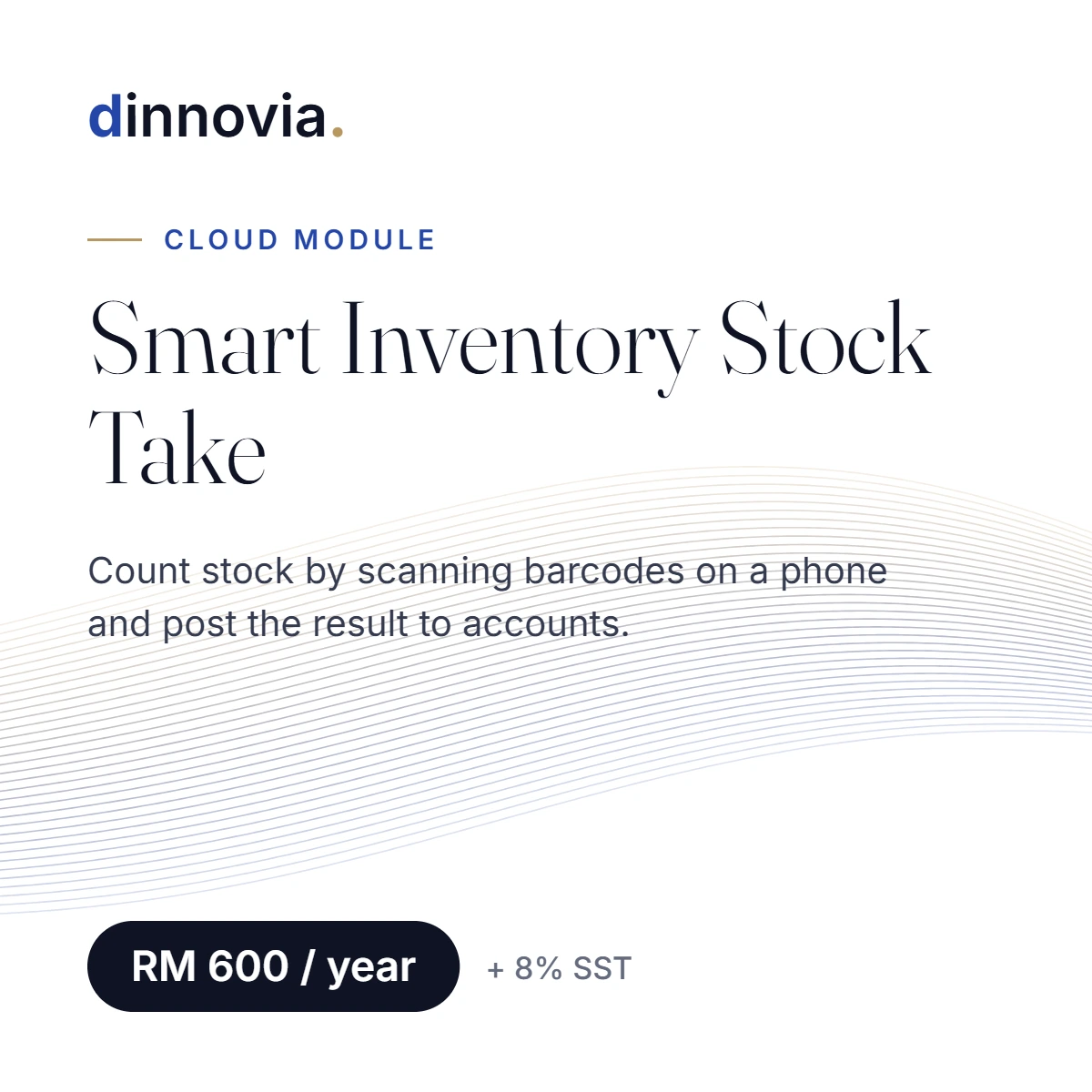
Buy Dinnovia Stock Take online and add it to your SQL Accounting or AutoCount setup. The module runs in any browser, so your team can start the same week.
What is Dinnovia Stock Take?
Smart Inventory Stock Take is a cloud stock count app. Staff scan item barcodes with a phone, count by location, and the totals are compared with the stock in SQL Accounting or AutoCount, so variances are found and adjusted without retyping count sheets.
Features
- Scan barcodes with a phone camera or scanner
- Count by warehouse, outlet or shelf
- Several counters working at the same time
- Variance report against system stock
- Results returned to your accounting software
Who is it for?
Trading, distribution, retail and spare-parts businesses with regular stock takes. In addition, it works alongside SQL Accounting and AutoCount, so your accounts stay where they are.
How much does Dinnovia Stock Take cost?
RM 600 per module / year before 8% SST (RM 648 with SST), as a 12-month subscription. In addition, we quote any customisation or API connection before work starts.
What happens after I order?
- First, our team contacts you to confirm your accounting software and users.
- Next, we set up the module and Cloud Sync for supported data.
- Then your users join a short online training session.
- After that, our team in Kuala Lumpur and Batu Pahat supports you by WhatsApp, phone and remote desktop.
Dinnovia Stock Take FAQ
Do I need special scanners?
No. A phone camera works for most barcodes. Bluetooth scanners can be used for faster counting in large warehouses.
How do the counts reach my accounting software?
Counts are compared with system stock and the result is sent to SQL Accounting or AutoCount through the configured connection, so you do not key in count sheets.
Why order online?
Ordering online takes only a few minutes. Instead of waiting for a quotation, you pay securely with Fiuu and receive an order confirmation by email. Then our team contacts you to schedule the setup. If you need several modules, add them to the same cart, because every module shares the customers, items and documents from your accounts.
Want the details first? Read the full stock take app guide, or WhatsApp 012-203 7670 with your questions.